00:00
00:00
Newgrounds Background Image Theme

Unknownuserfb67778 just joined the crew!

We need you on the team, too.

Support Newgrounds and get tons of perks for just $2.99!

Create a Free Account and then..

Become a Supporter!

Trying out Clip Studio Paint EX as a first time CSP user in my first months on it.

84 Views | 2 Replies
New Topic Respond to this Topic

So, four months ago in August, after quitting Adobe Animate (because of the AI garbage and their horrible services), my mom and I decided to sign up for a monthly subscription for Ver. 4 (the current version of Clip Studio Paint EX) and we went for the EX version, which has more features than the Pro version, most notably the animation feature in said EX version.


I'm going to share some of my time in it, through pictures and a gif.
iu_1511596_7691670.webp

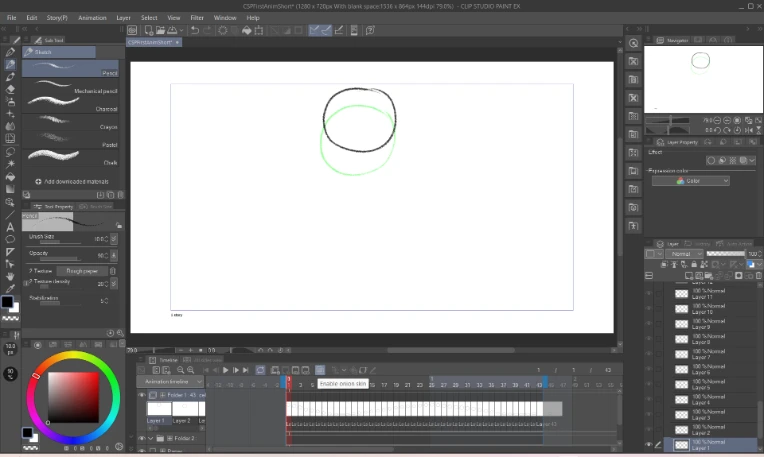
Right here is the workspace for Clip Studio Paint (EX), where I'm animating the bouncing ball test animation in it. I can see all the stuff in the workspace, the color wheel, the frames, layers and layer folders, etc.


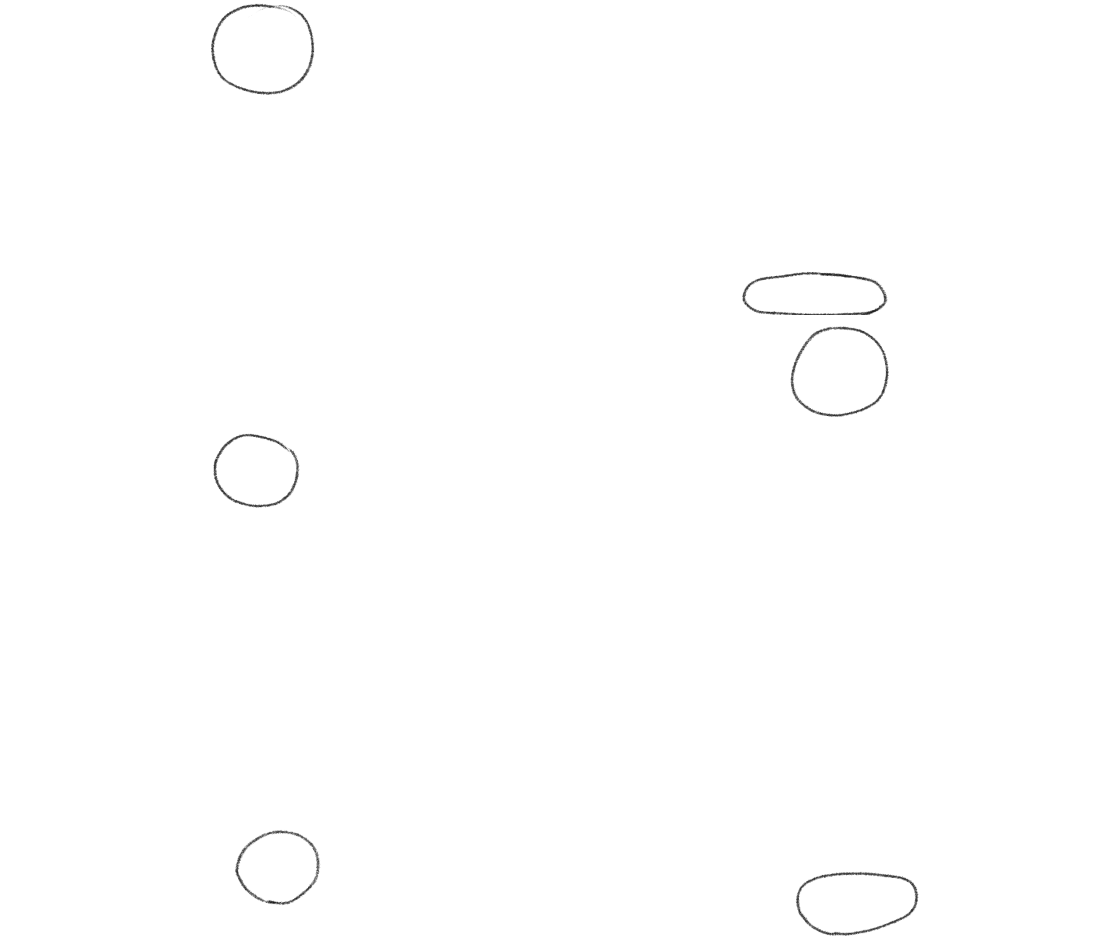
Here is the GIF for the (WIP) bouncing ball animation:
iu_1511597_7691670.gif

(Yes, it currently stops at that frame)


I want to say my first few months with Clip Studio Paint EX were good, I am currently watching tutorials on YouTube about animating on it, and once I'm done with the bouncing ball, I can move on to other ideas I can animate in CSP.


If I was you, I'd wait for a discount and get a perpetual license. Software subscription is 100% bs imo.


Anyway, here are my 2 cents. I'm an ex-Adobe Animate and Krita user and I tried CSP (version 1) a while ago and I didn't find it groundbreaking in terms of features compared to Krita. So I chose to stick to Krita. It's great and its animation features are vastly underrated. The only thing at which Krita isn't superior to Flash/Animate is rigged and tweened animation. But for hand drawn digital / tradigital animation it's 10/10. CSP does handle vector/motion tween animation better, so I'd give it that.


BBS Signature

At 12/24/25 06:33 PM, GameHeroStudios wrote:So, four months ago in August, after quitting Adobe Animate (because of the AI garbage and their horrible services), my mom and I decided to sign up for a monthly subscription for Ver. 4 (the current version of Clip Studio Paint EX) and we went for the EX version, which has more features than the Pro version, most notably the animation feature in said EX version.

I'm going to share some of my time in it, through pictures and a gif.

Right here is the workspace for Clip Studio Paint (EX), where I'm animating the bouncing ball test animation in it. I can see all the stuff in the workspace, the color wheel, the frames, layers and layer folders, etc.

Here is the GIF for the (WIP) bouncing ball animation:

(Yes, it currently stops at that frame)

I want to say my first few months with Clip Studio Paint EX were good, I am currently watching tutorials on YouTube about animating on it, and once I'm done with the bouncing ball, I can move on to other ideas I can animate in CSP.


Clip Studio is great for animation once you get through a few barriers! I make all my frame by frame animations on Clip and so far I've never had a problem other than it getting somewhat slow if you use a ton of layers. I genuinely think it's among the best softwares for frame by frame animation.